Standard ligatures (should be always on).
• smart j variant and some tiny optimisations to avoid collisions.
• smart j variant and some tiny optimisations to avoid collisions.

NEW! Published on: 30th of January 2026
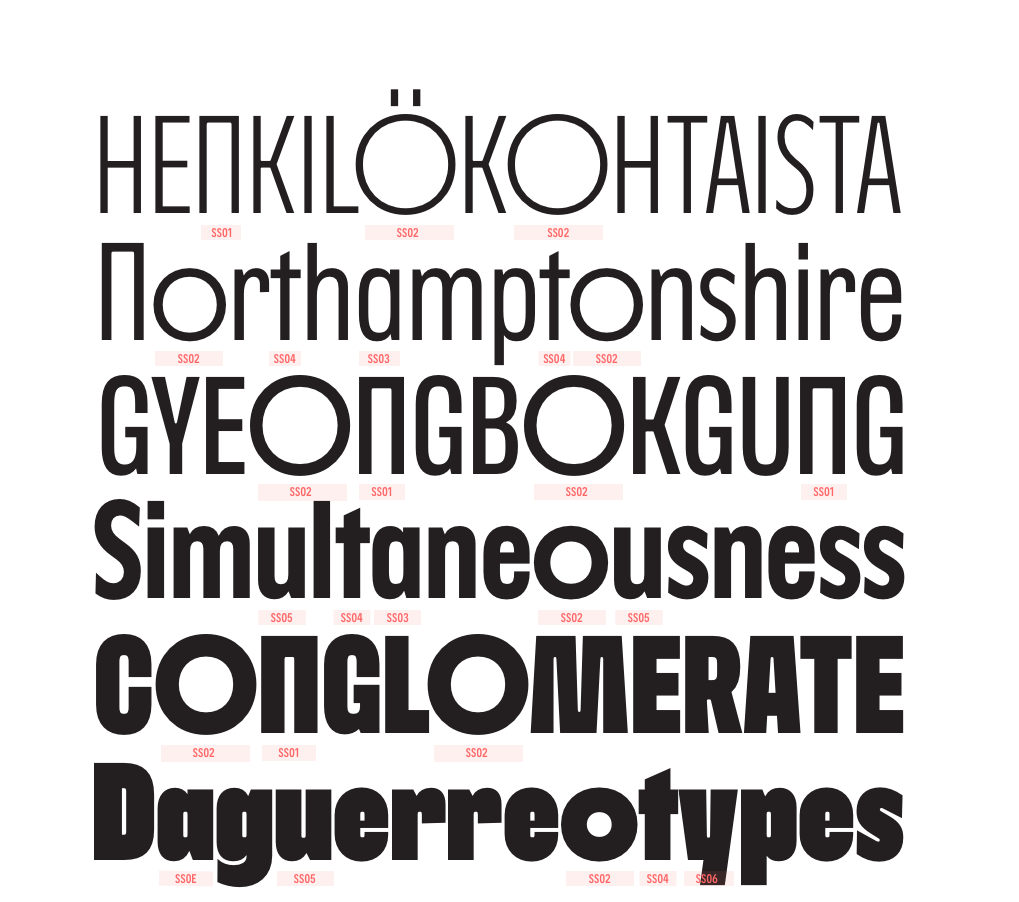
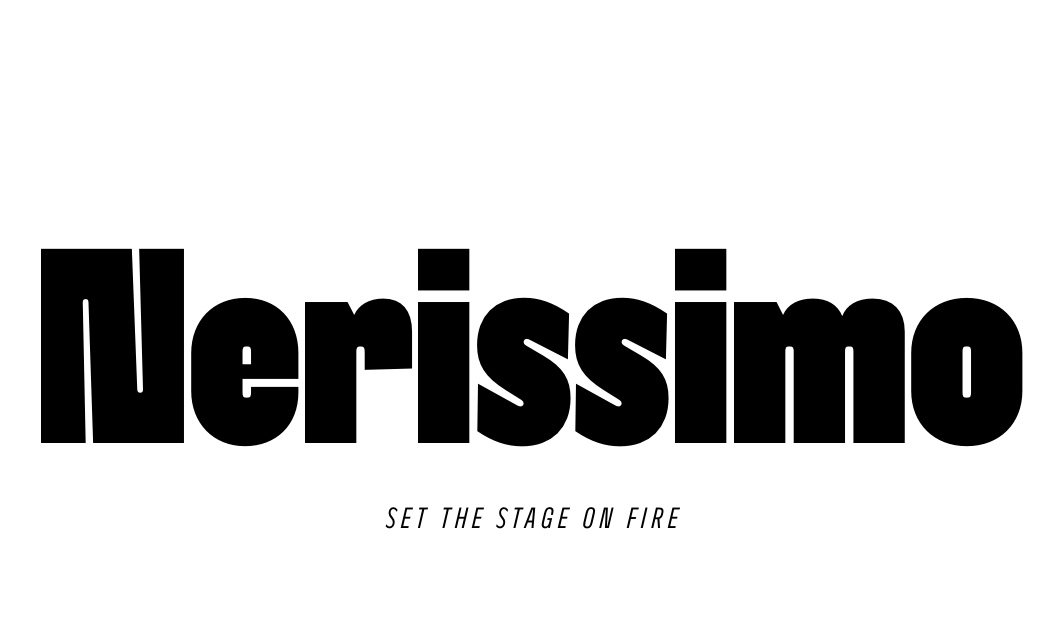
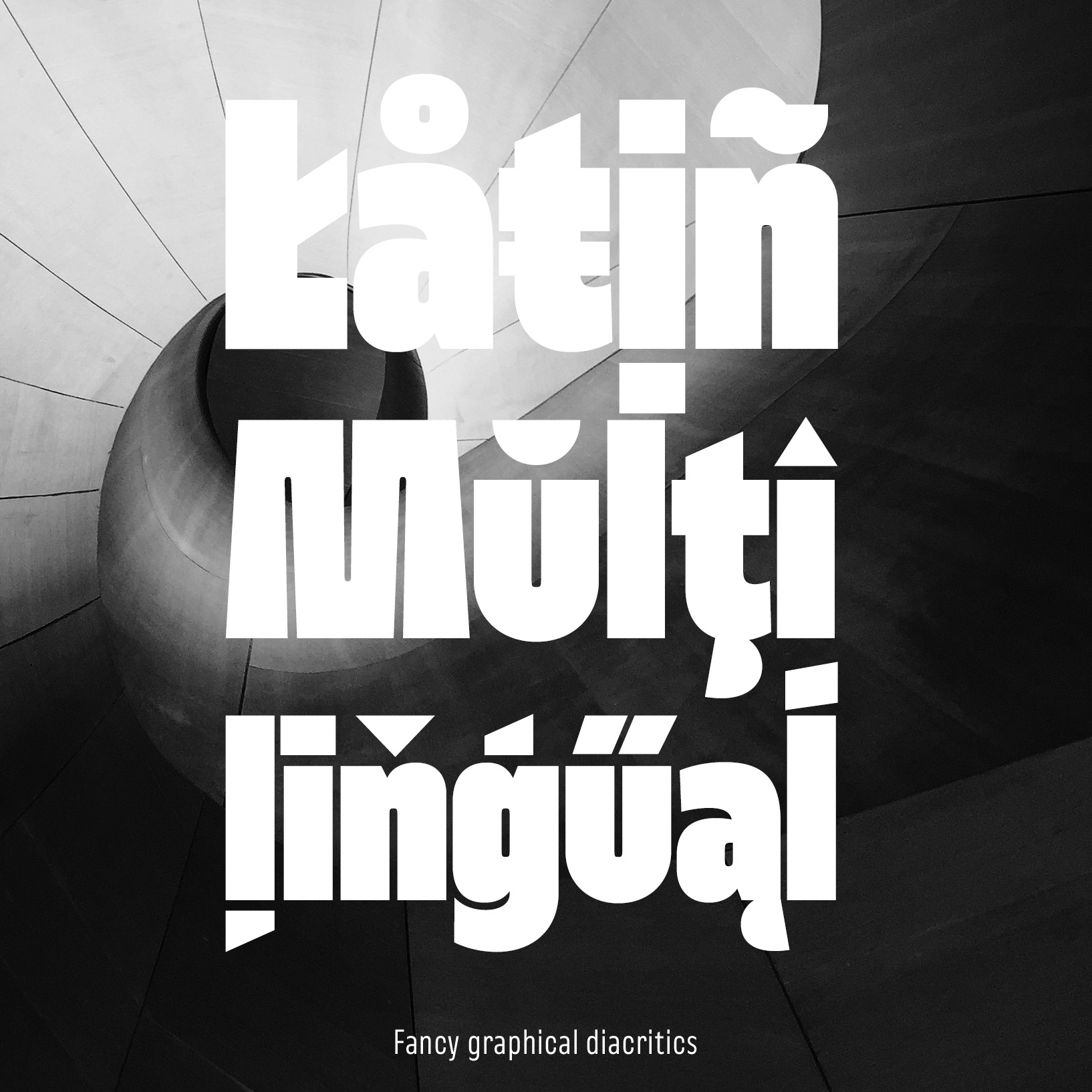
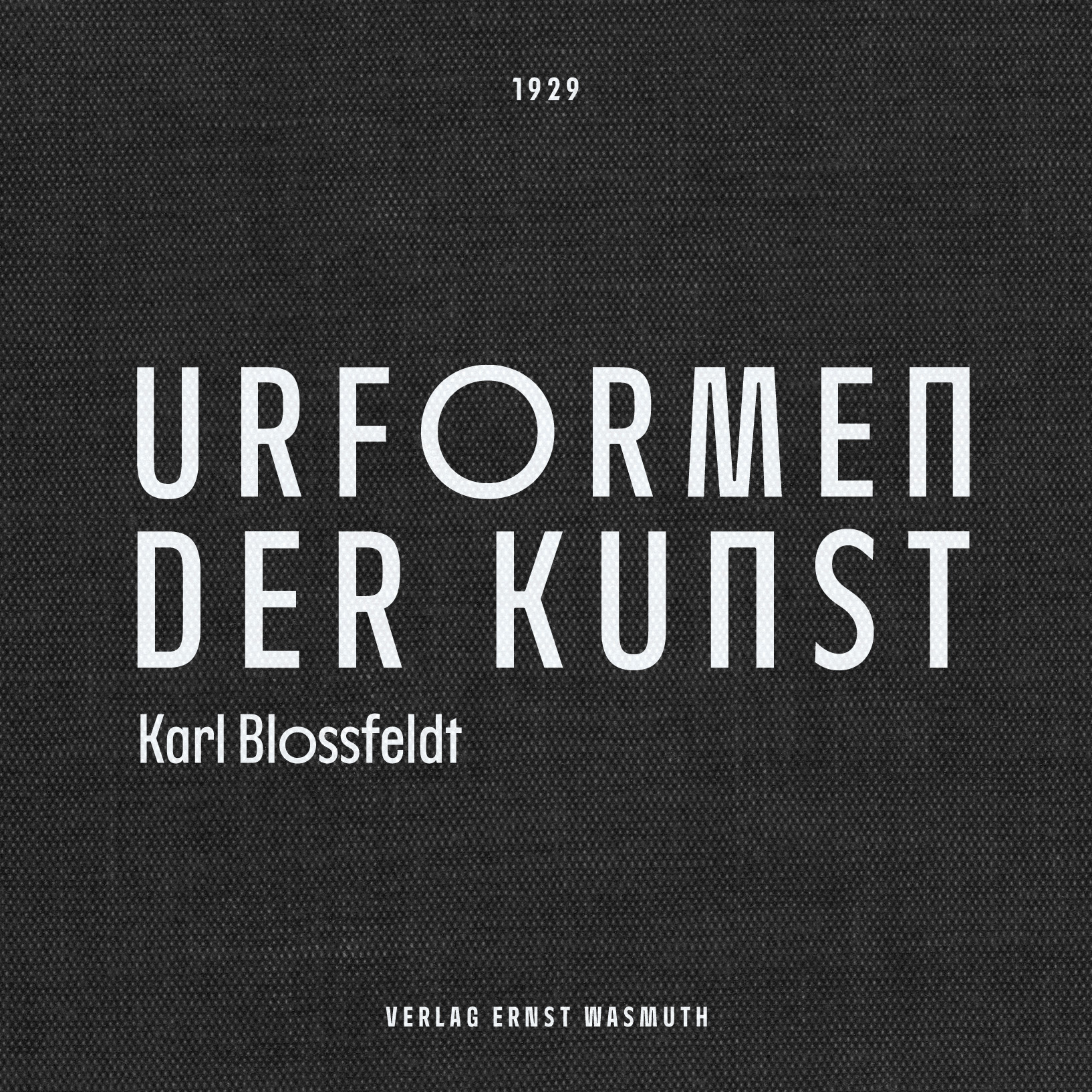
Nerissimo is a compact display font designed for bold, eye-catching headlines. Drawing from brutalist architecture and pop culture, Nerissimo marries angular construction with softened countershapes to create powerful visual statements.
The name "Nerissimo" combines the Italian word "nero" (meaning bold in typography, or black in common usage) with the superlative suffix "-issimo" (the most). Together, Nerissimo translates literally as "the boldest."
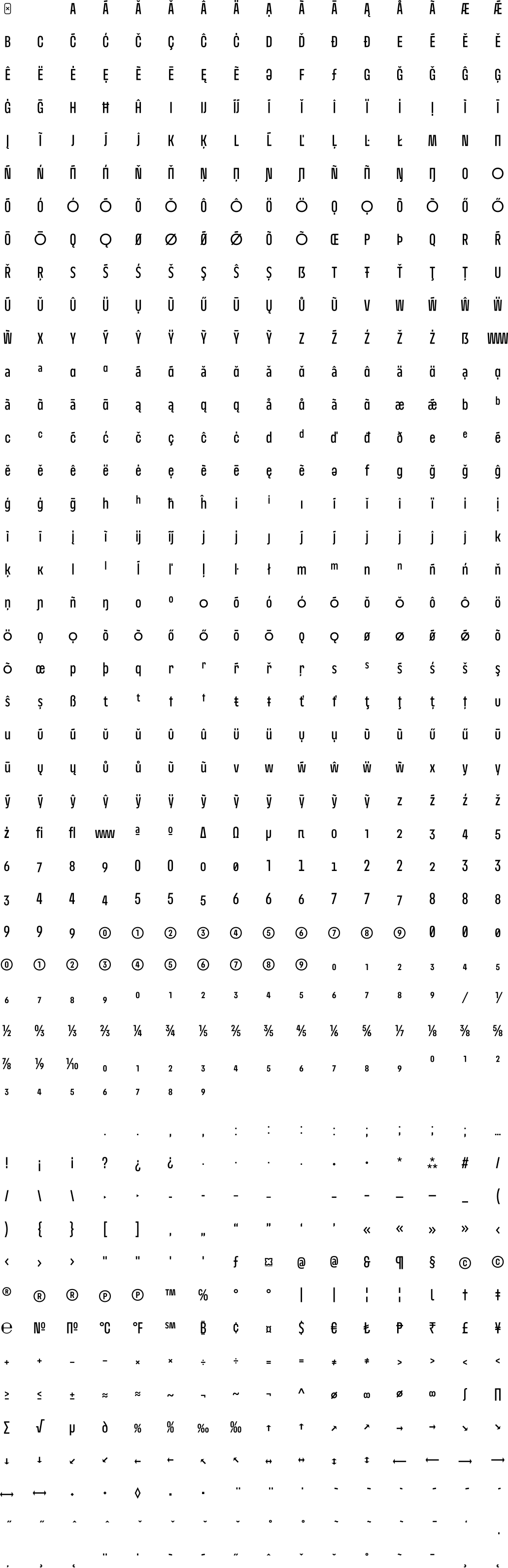
Nerissimo offers extensive alternate letter shapes and 27 OpenType features for versatile creative expression.
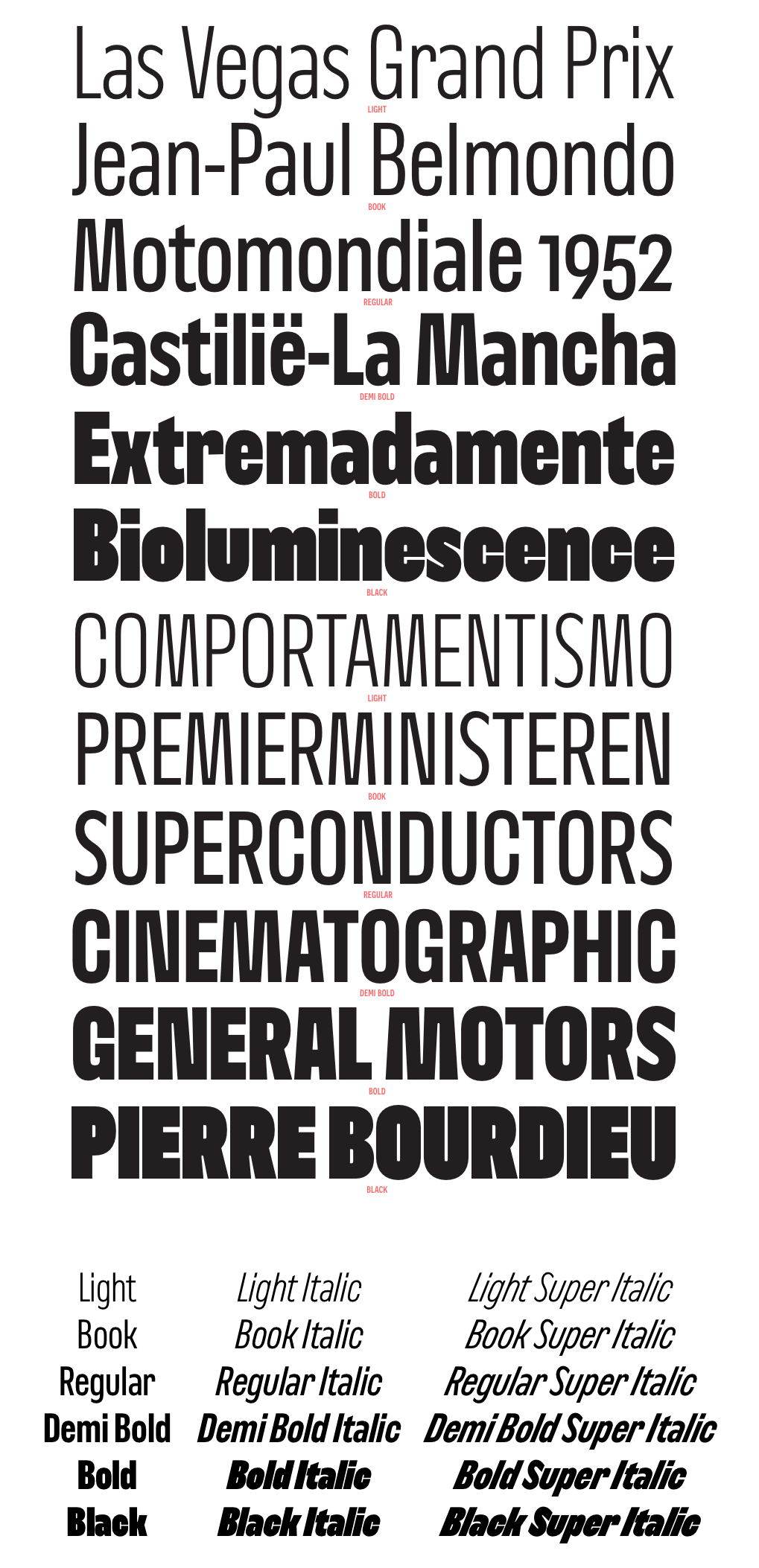
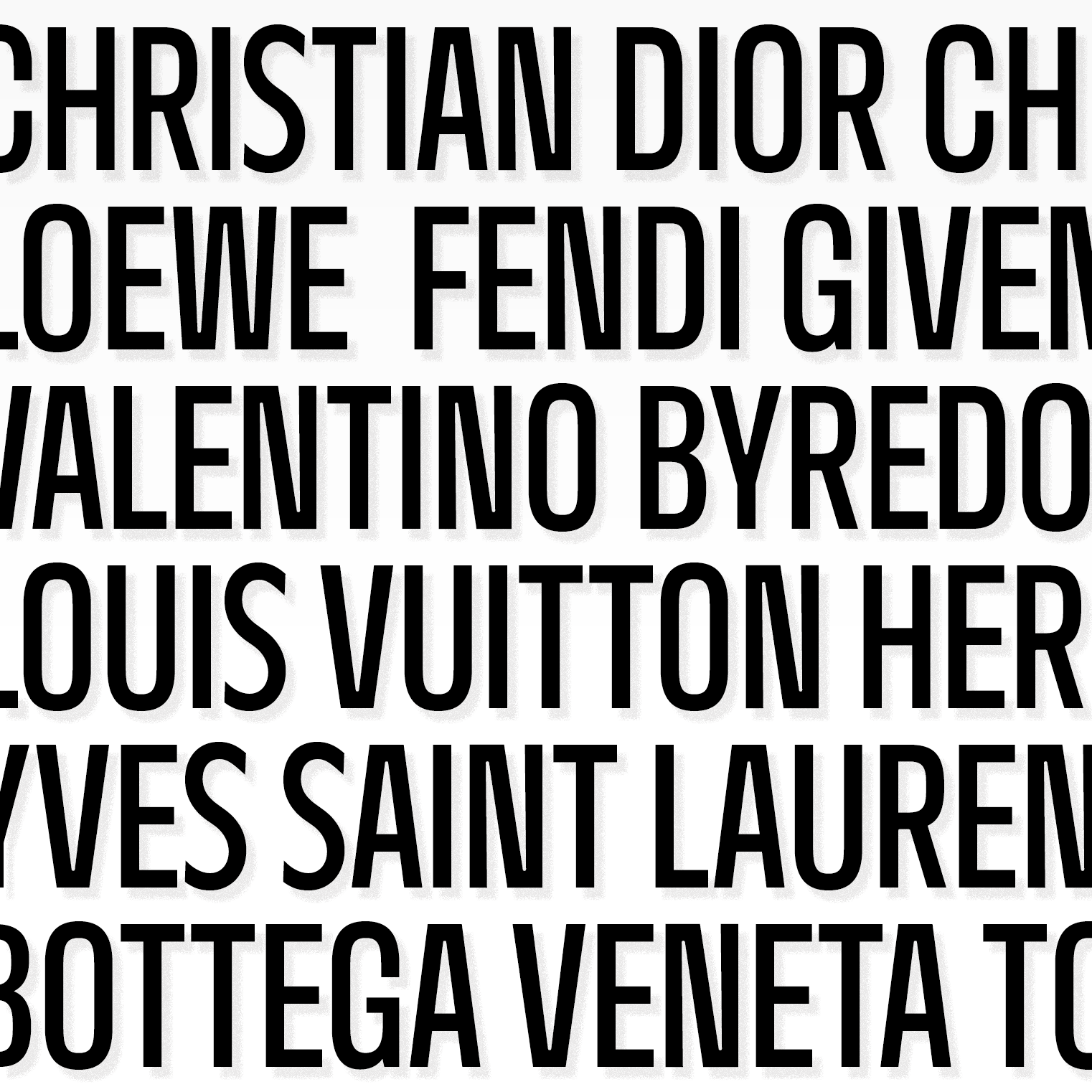
The black weights achieve remarkable density; ideal for all-caps headlines set with tight leading for striking effect.
Distinctive characters such as M, N, S, and W lend the typeface its particular character.
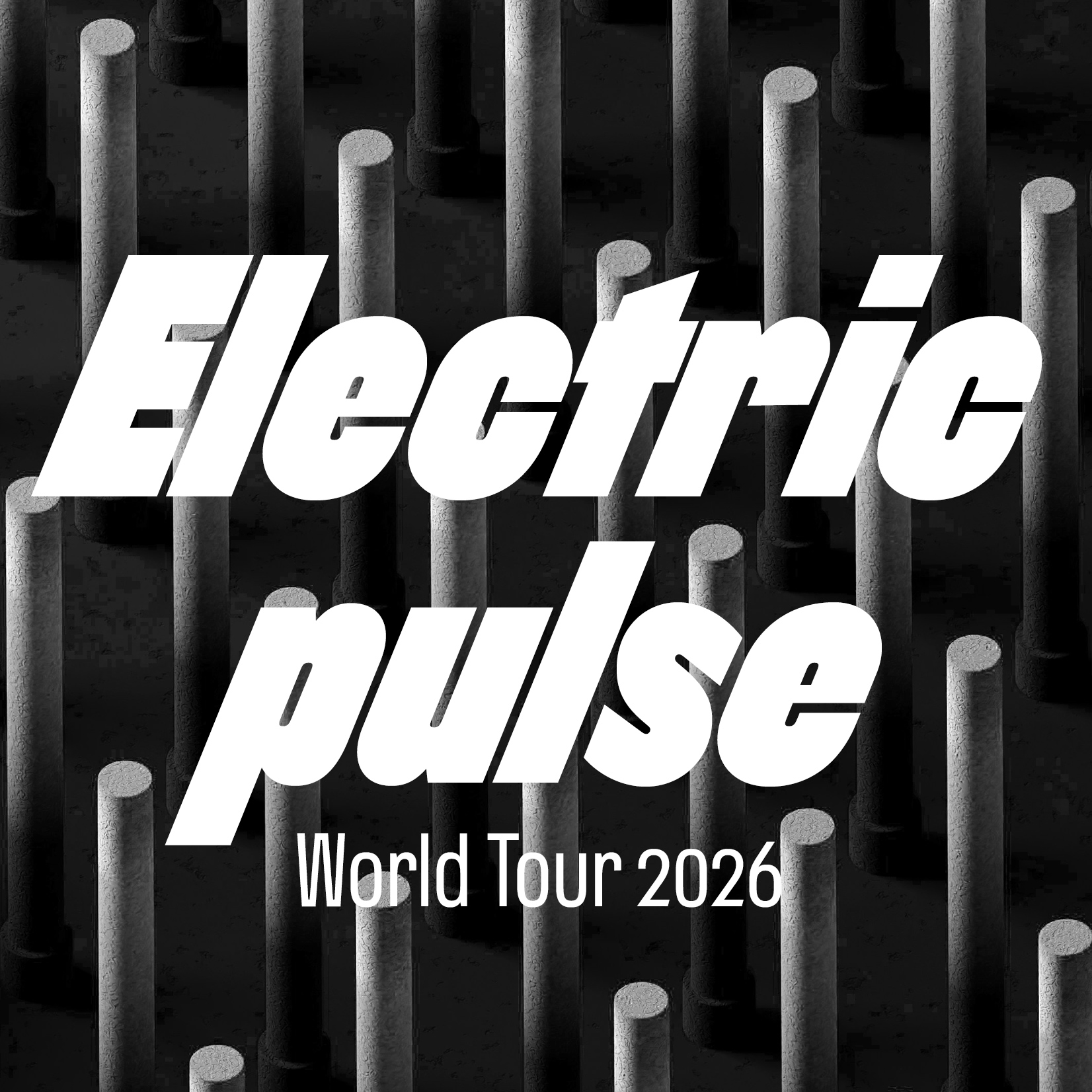
Each weight includes both italics (13°) and super italics (22°) to inject movement into your compositions.
Nerissimo includes several scripting automations to enhance the visual rhythm of your text:

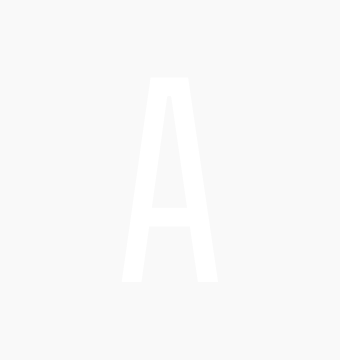
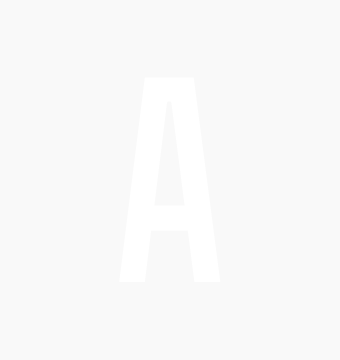
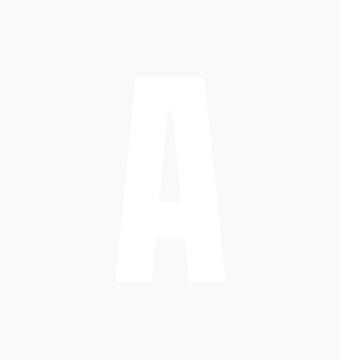
| light | book | regular | demibold | bold | black | |
|---|---|---|---|---|---|---|
| upright | 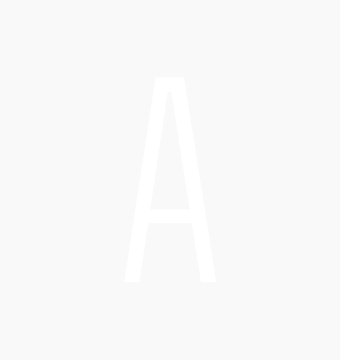 |
 |
 |
 |
 |
 |
| Italic |  |
 |
 |
 |
 |
 |
| Super Italic |  |
 |
 |
 |
 |
 |
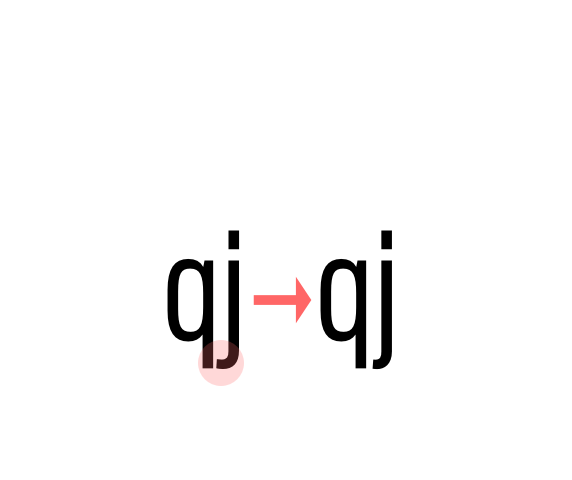 rhythm optimization ligatures Standard ligatures (should be always on). • smart j variant and some tiny optimisations to avoid collisions. |
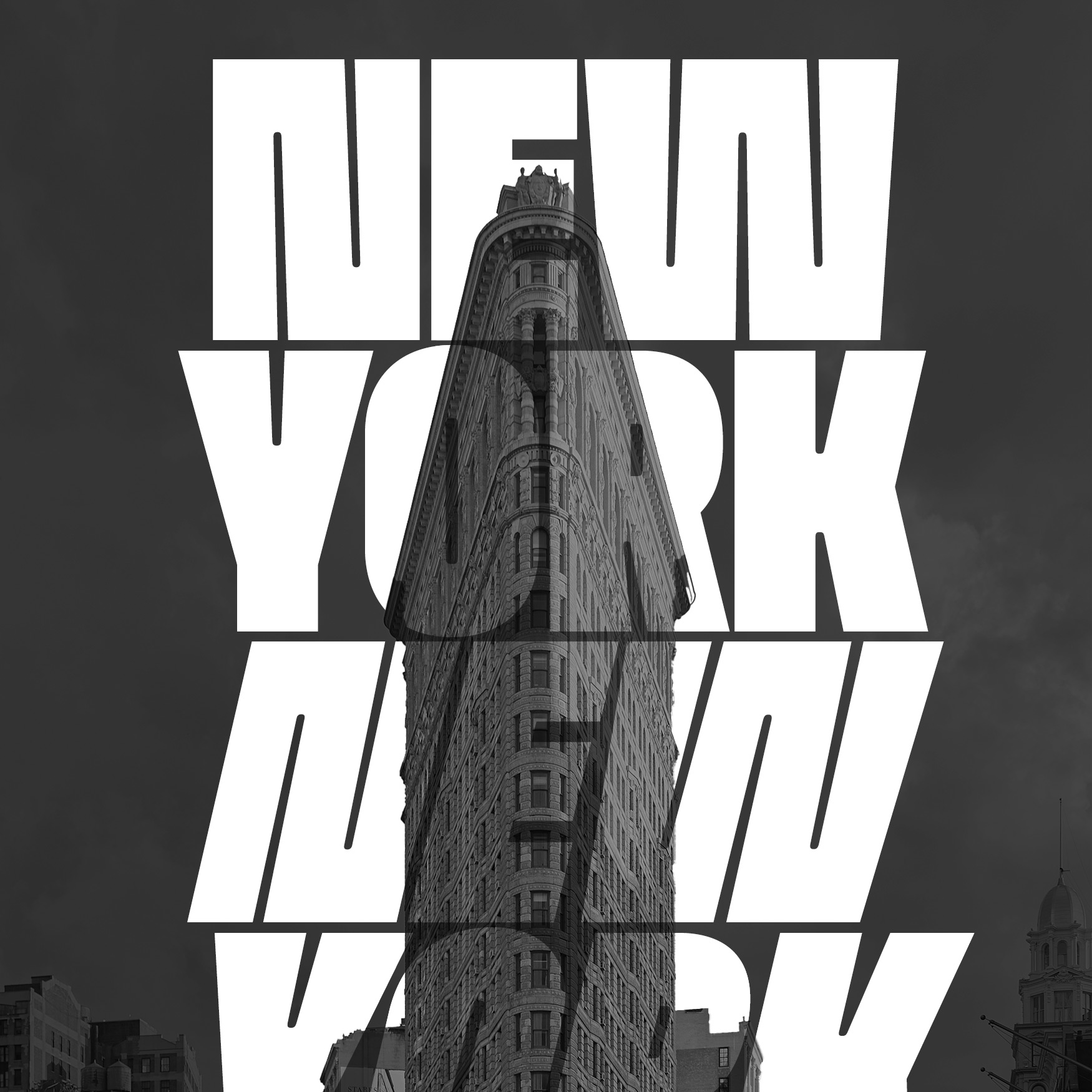
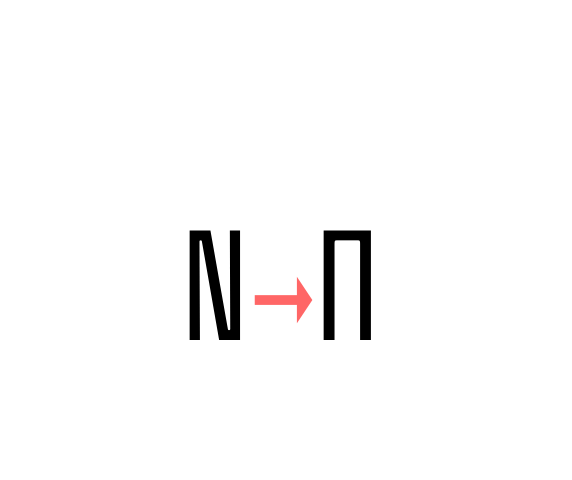 Alternate N (ss01) Stylistic set 01: Alternate uppercase N letter. |
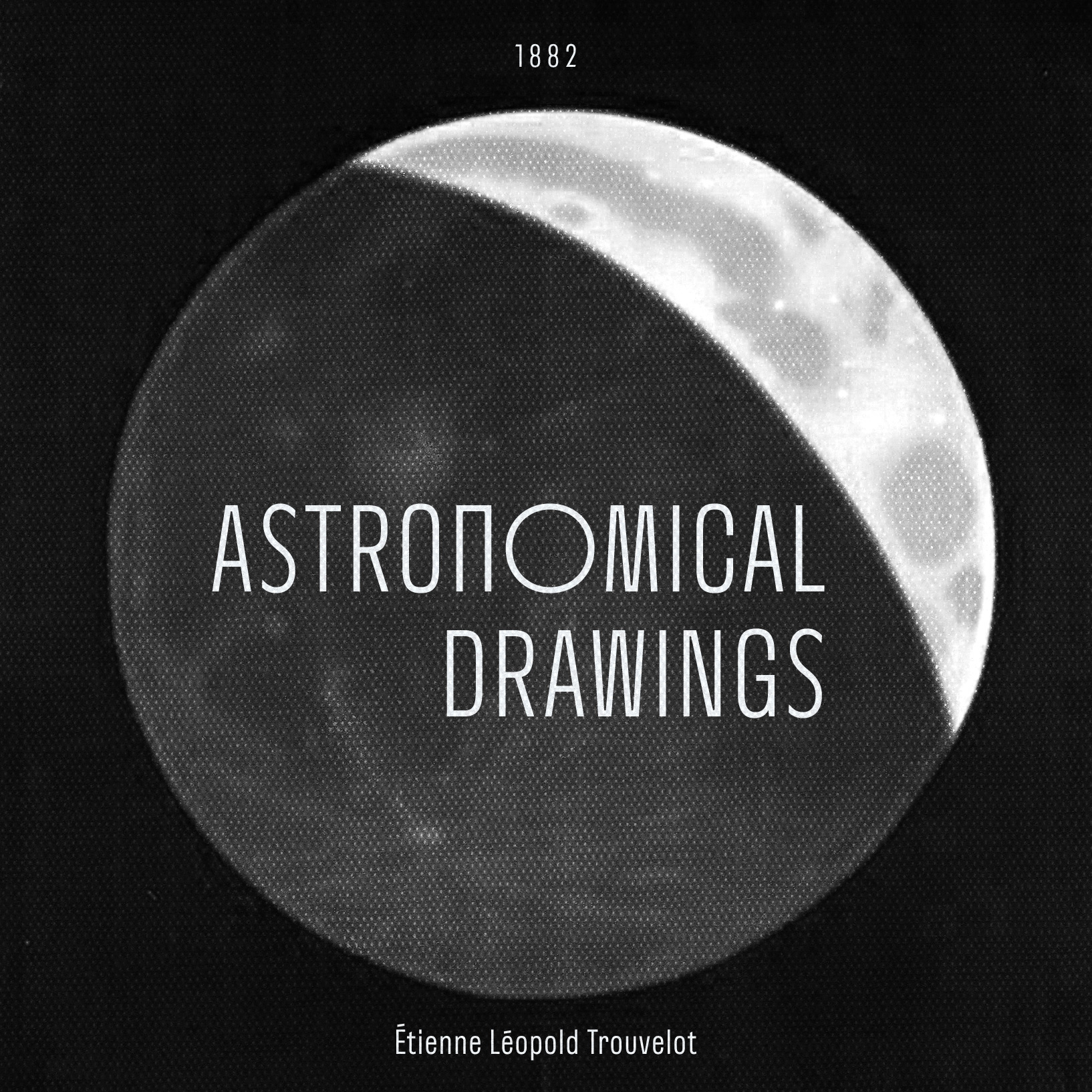
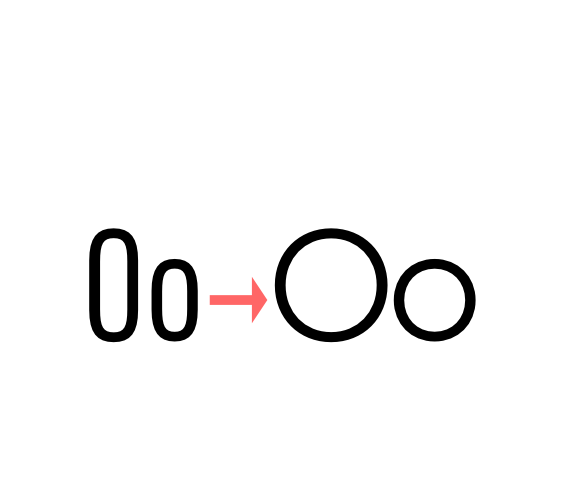 Alternate o (ss02) Stylistic set 02: Alternate uppercase and lowercase o letters. |
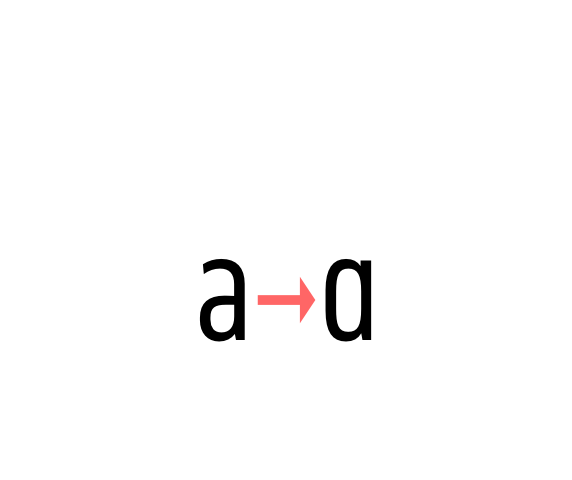 One storey a (ss03) Stylistic set 03: Alternate lowercase a with one storey. |
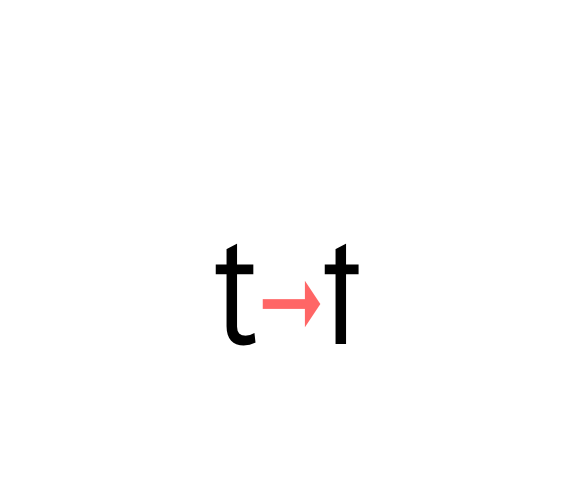 Alternate t (ss04) Stylistic set 04: Alternate lowercase t letter. |
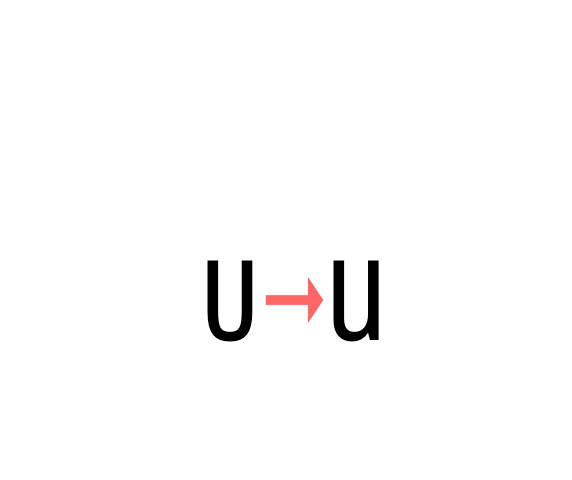 Alternate u (ss05) Stylistic set 05: Alternate lowercase u letter. |
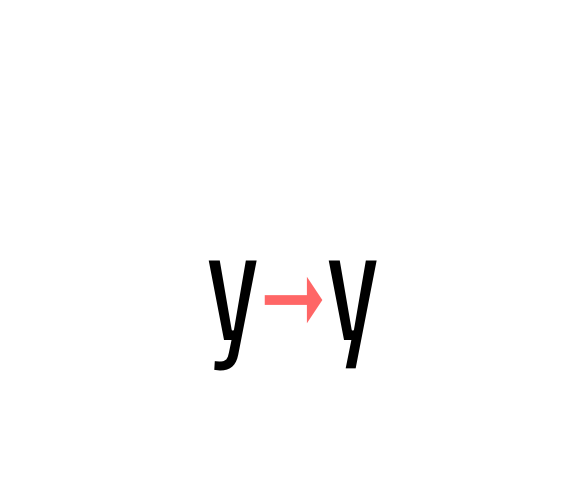 Alternate y (ss06) Stylistic set 06: Alternate lowercase y letter. |
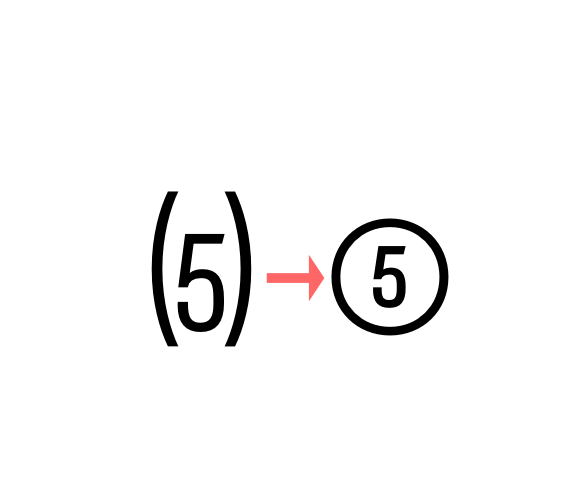 circled figures (ss07) Stylistic set 07 “Circled numbers”. Transforms (0) (1) (2) (3) (4) (5) (6) (7) (8) (9) to ⓪ ① ② ③ ④ ⑤ ⑥ ⑦ ⑧ ⑨ |
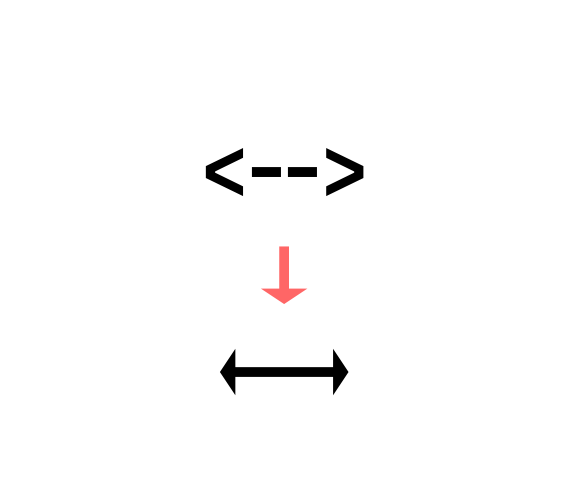 arrows (ss08) Stylistic set 08 “Arrows”. Transforms: -> to →, <- to ←, --> to ⟶, <-- to ⟵, <-> to ↔, <--> to ⟷, ^- to ↑, -^ to ↓, ^-^ to ↕, /> to ↗, </ to ↙, \> to ↘, <\ to ↖, -- to ⎯ (double hyphen makes a longer arrow, sizing exactly 2 tabular spaces). |
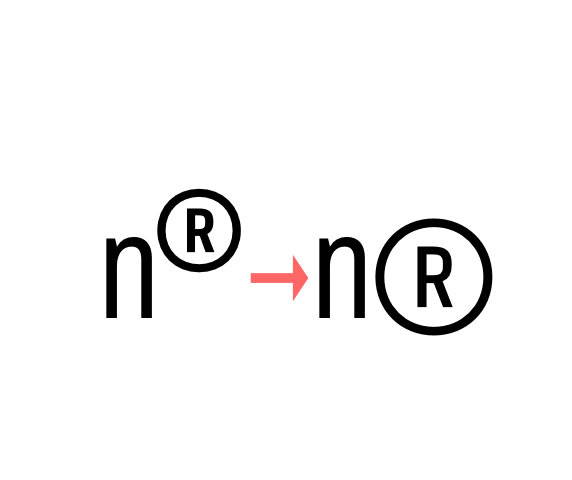 Big Registered ® (ss09) Stylistic set 09: A bigger variant of Registered sign ®. |
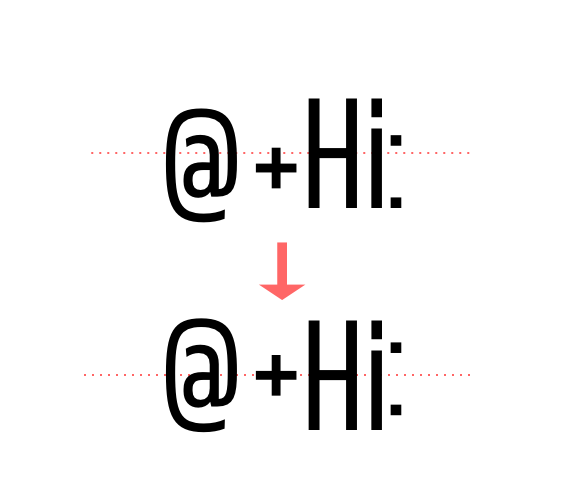 case sensitive forms Displays a version of the glyph that matches uppercases. Case sensitive glyphs are: ß ⓪ ① ② ③ ④ ⑤ ⑥ ⑦ ⑧ ⑨ : ; ¡ ¿ · • ‣ - – —« » ‹ › @ © ® ℗ + − × ÷ = ≠ > < ≈ ~ ¬ ∅ ∞ ↑ ↗ → ↘ ↓ ↙ ← ↖ ↔ ⟵ ⟶ ⟷ ◆ ■ |
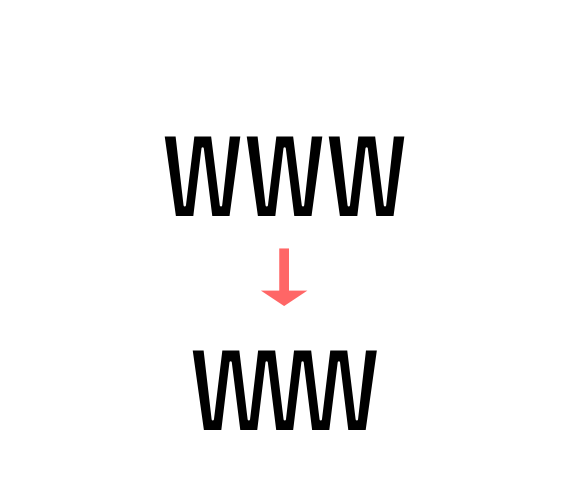 discretionary ligatures WWW and www ligature, (c) to ©, (p) to ℗, (r) to ®, sm to servicemark, tm to trademark. |
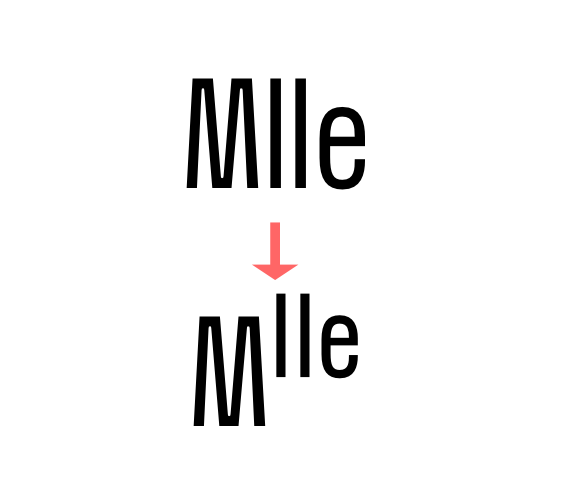 ordinals Creates ordinal versions for letters a b c d e h i l m n o r s t. If a or o are preceded by a figure and no letter follows, ordfeminine ª and ordmasculine º are displayed instead. |
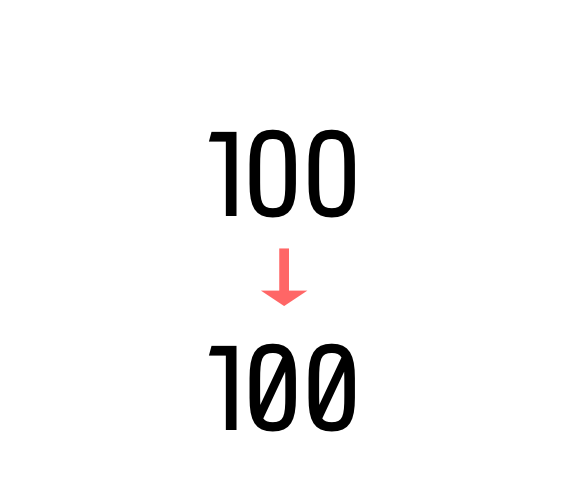 slashed zero Activates slashed-zero alternate |
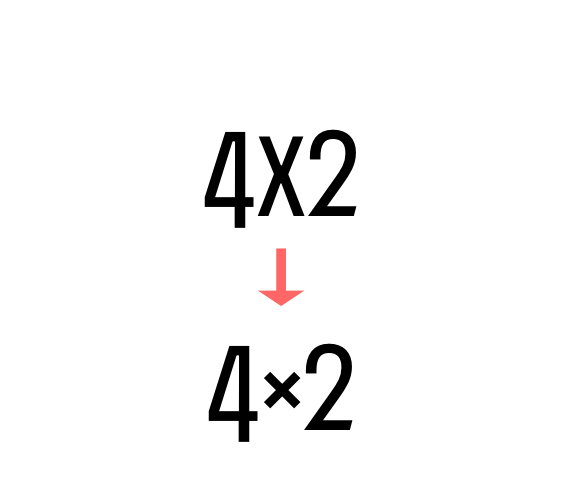 contextual alternates Transforms the x letter to the multiply sign (×) when between two figures and/or an extra space. |
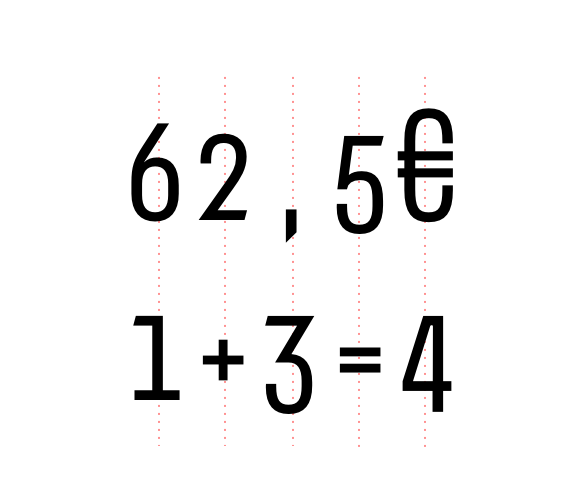 tabular figures & symbols Switches figures and some related glyphs to tabular ones. This feature makes the target glyphs same width and aligns them vertically as they were inside a table. Tabular glyphs are: μ π ƒ ¢ ¤ $ € ₺ ₱ ₹ £ ¥ ₿ + − × ÷ = ≠ > < ≥ ≤ ± ≈ ~ ¬ ^ ∅ ∞ √ µ ∂ ↑ ↗ → ↘ ↓ ↙ ← ↖ ↔ ↕ ◊ _ % Glyphs with tabular alternates: 0 1 2 3 4 5 6 7 8 9 . , : ; · / / \ - " ' ° | ¦ (and space). In this font you’ll also find 3 long arrows ⟵ ⟶ ⟷ with their case sensitive alternate. Their length is exactly twice a tabular. |
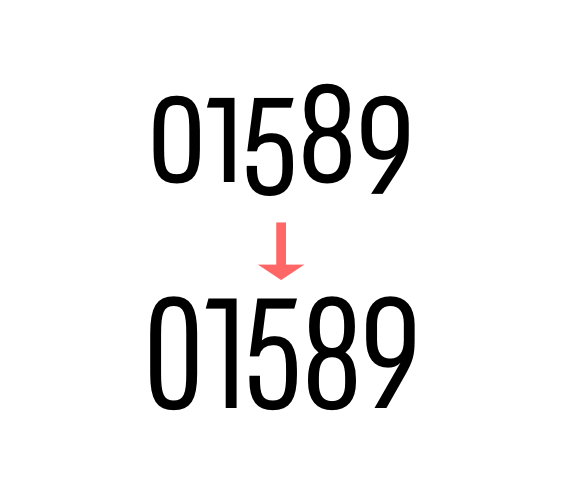 lining & oldstyle figures
Lining figures: displays uppercase-aligned figures and math related glyphs: 0 1 2 3 4 5 6 7 8 9 - + − × ÷ = ≠ > < ≥ ≤ ± ≈ ~ ¬ ∅ ∞ % ‰ Oldstyle figures: displays lowercas (default) figures and glyphs. 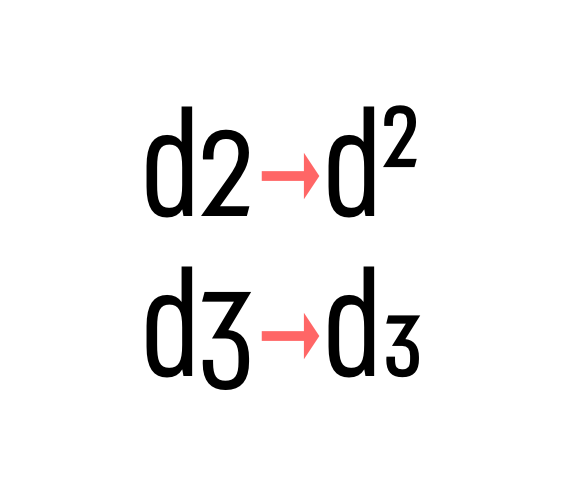 numerators & denominators Activates numerator or denominator figures independently. 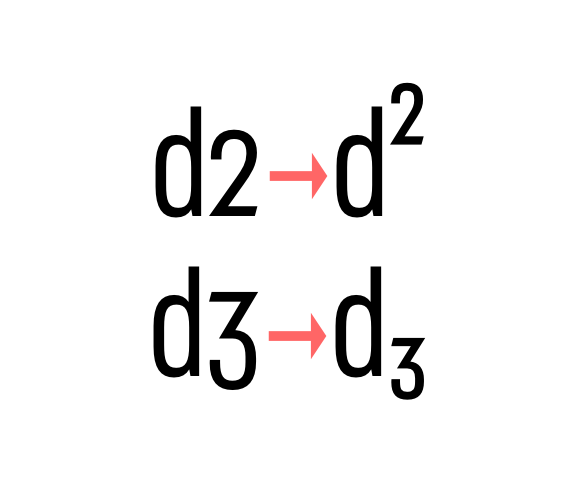 Superiors & inferiors Activates superior or inferior figures independently. 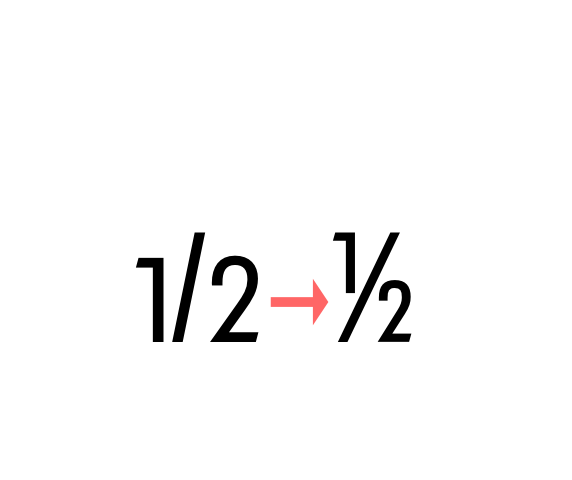 fractions Real fractions from any [number] slash [number] sequence. |
Nerissimo uses the power of Opentype to overstep the current technical limitations, enriching the typesetting experience in a totally automated way. Just set your text language to activate the associated helpers.
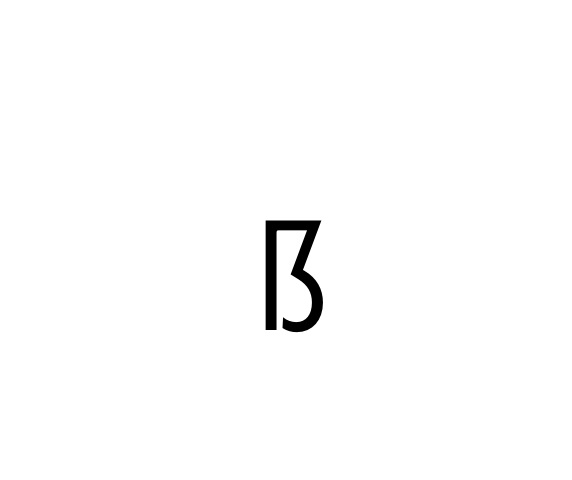 german uppercase eszett German language helper. German “Sharp S” cannot be typed on most keyboard layouts. This helper detects when an “ß” is among uppercases and transforms it into its uppercase version. This helper is associated with the “contextual alternates” OT feature and it is often activated by default. |
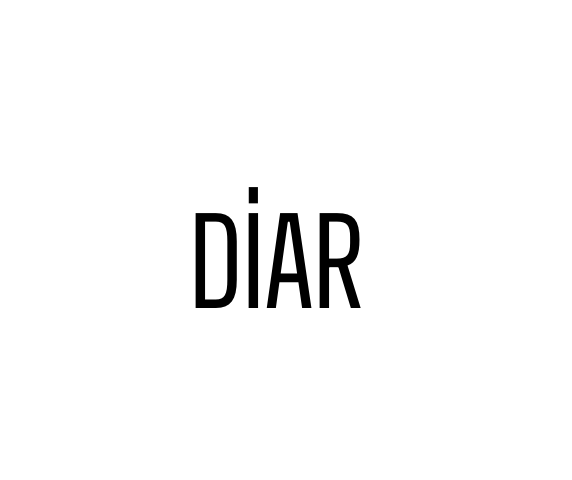 turkish idotaccent Turkish language helper. It correctly differentiates capital i and dotless-i. Just set your text language to Turkish to show a dot on the capital i. |
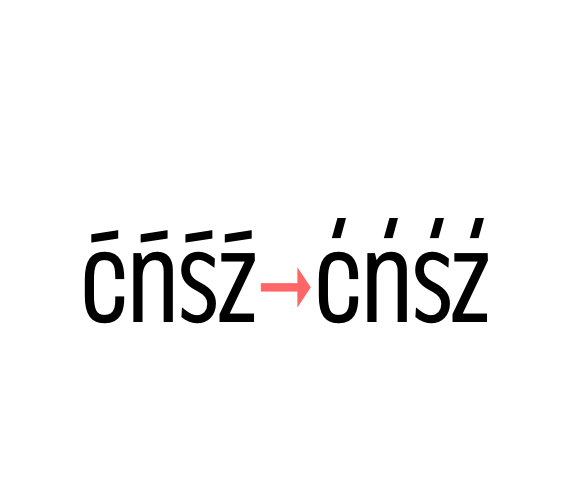 polish kreska Polish language helper. It allows to display the correct diacritics (kreska’s angle differs from the acute diacritic). Just set your text language as Polish to convert acute into kreska. |
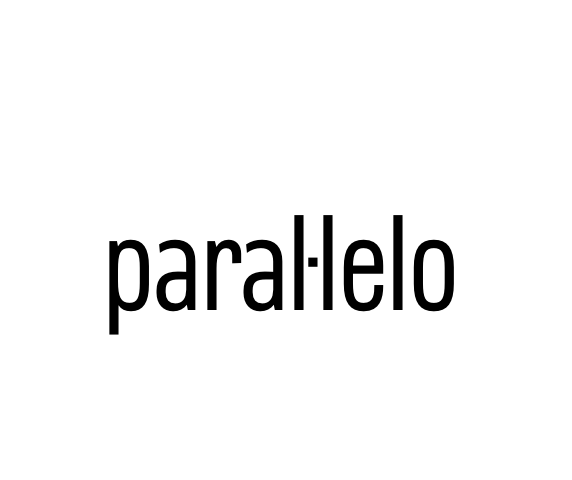 catalan punt volat Catalan language helper. It helps displaying the correct punt volant (Ldot sign) when typing the “l” letter followed by the vertically centered dot. Just set your text language to Catalan to activate the l· helper. |
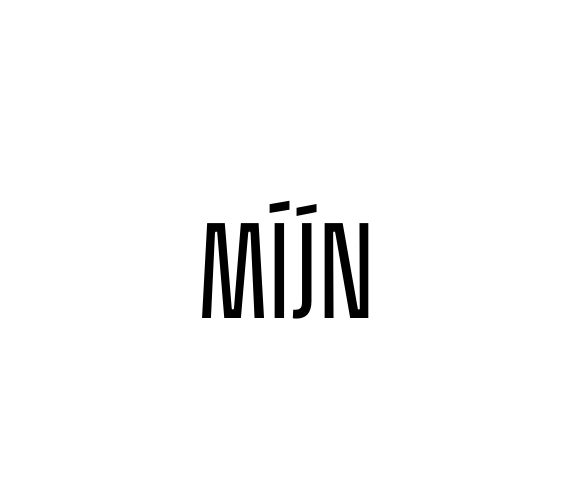 dutch double acute ij Dutch language helper. While an accented j does not exist as a glyph on its own, this helper adds an acute accent on the j (or J) when it is following and accented i (í). |
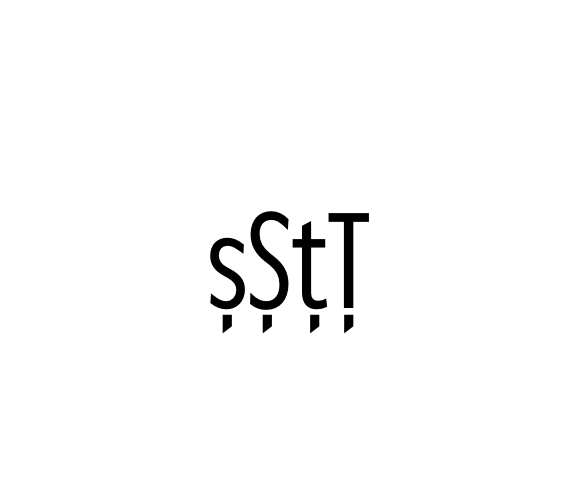 moldavian & romanian dicritics Moldavian & Romanian language helper. It allows to display the correct diacritics. Just set your text language as Moldavian or Romanian to convert cedilla into comma-accent. |
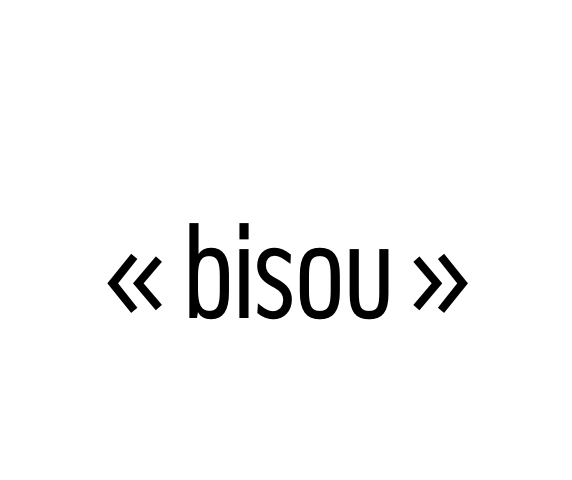 ideal spacing in french French language helper. Automatic (France only) French typesetting optimisation by switching common “white space” with narrownbspace (narrow non-breaking space) after * » : ; ! ? % ‰ and before « * Just set your text language as France-French to activate this feature. Note: this OT feature affects only the standard space sign (space bar) and doesn’t prevent from applying any other separator. |
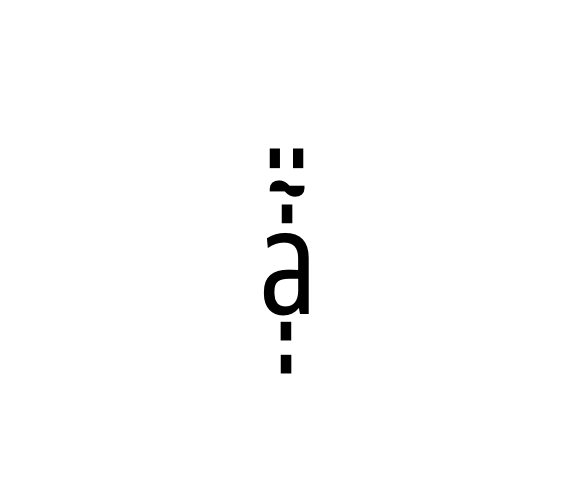 combining diacritics Combining diacritics you can put one upon another. Read more here https://glyphsapp.com/tutorials/mark-attachment |